

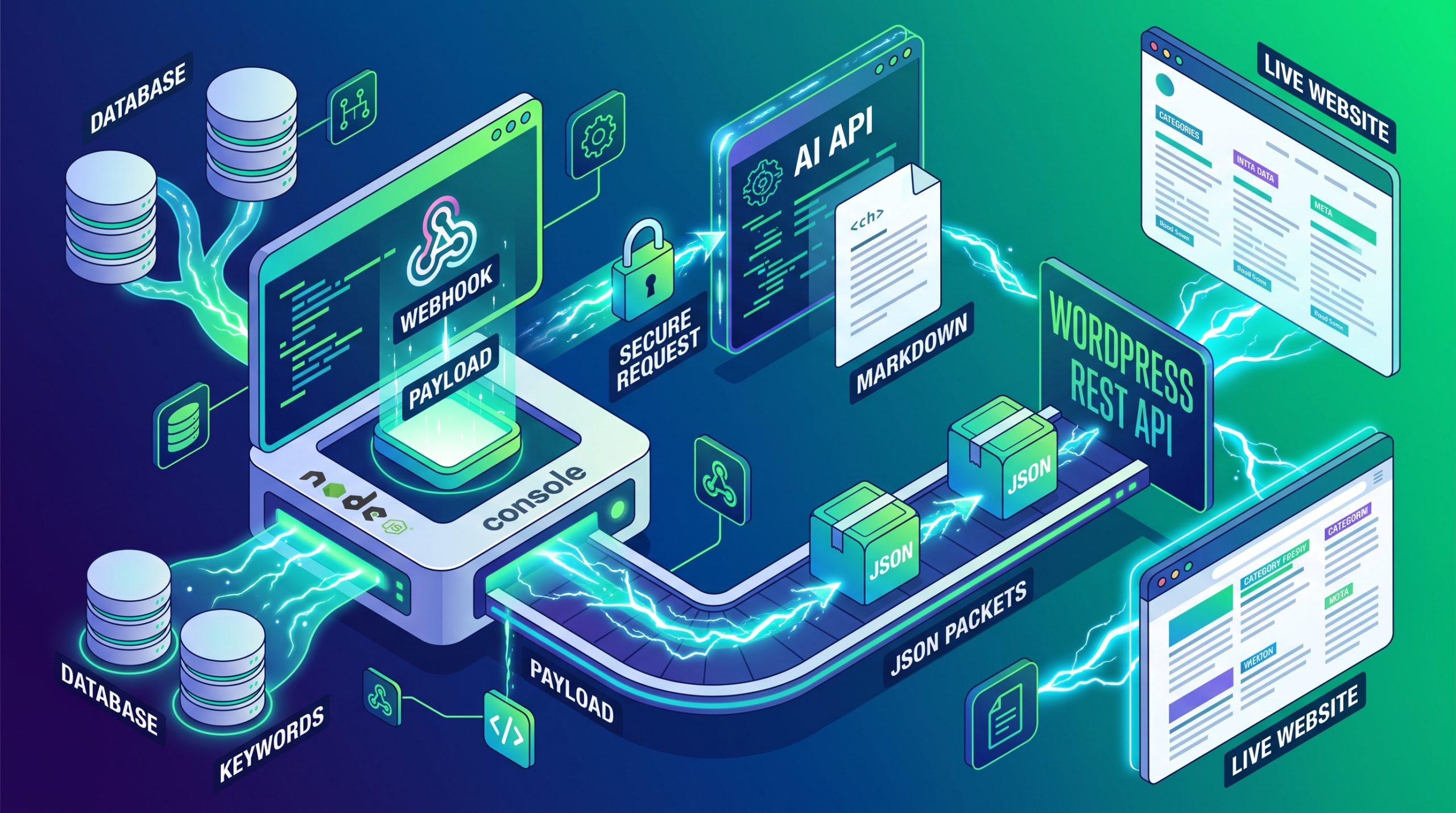
Imagine this: You have a database filled with thousands of structured keywords and unique variables.
Your keyword clustering is complete. Your templates are locked down.
Now, you face a massive bottleneck.
How do you actually get that data into an AI model, format the output, and push it live on your website without clicking a single button?
If you try to do this manually, your programmatic SEO campaign is dead on arrival.
You need an engine room.
In this guide, you’ll discover how to build an automated publishing pipeline using webhooks, Node.js, and AI APIs to push content to WordPress completely hands-free.
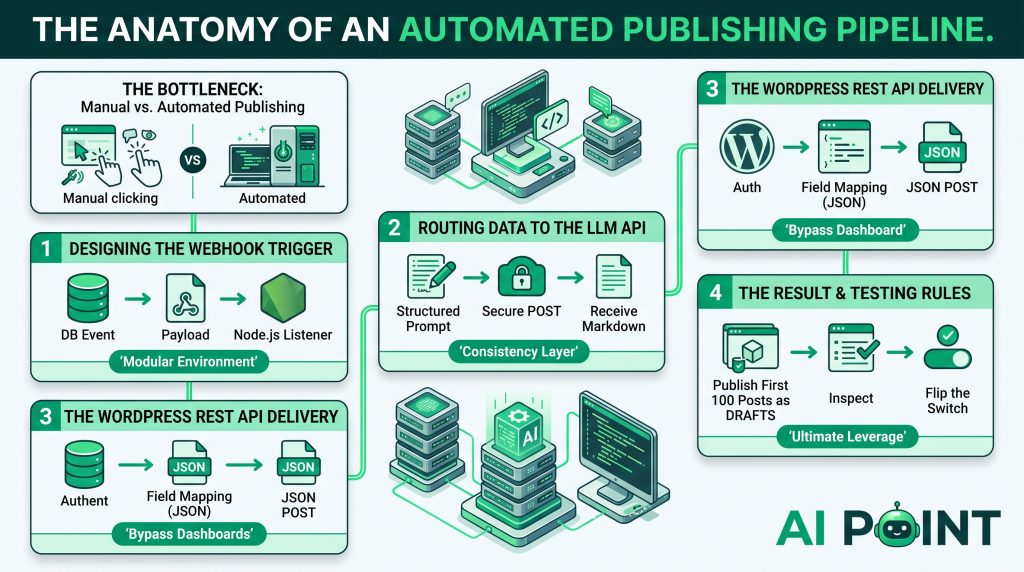
Designing the Webhook Trigger
Every automated workflow needs a spark.
In a programmatic architecture, that spark is a webhook trigger.
Instead of manually initiating a script every time you want a new article published, your system should handle execution asynchronously.
Here is how it works under the hood:
-
The Database Event: A new row is inserted into your PostgreSQL database (via Supabase), or a scheduled cron job fires on your server.
-
The Payload Capture: This event instantly fires a webhook request containing your structured variables (like head terms, modifiers, and unique data points).
-
The Node.js Listener: A custom Node.js backend script catches this incoming payload, validates the data structure, and prepares it for the next phase.
By decoupling your database from your content management system, you create a modular environment where publishing thousands of pages happens smoothly in the background while you sleep.
Routing Data to the LLM API
Once your Node.js script captures the webhook payload, it’s time to communicate with the artificial intelligence.
This is where most creators mess up. They send a loose, unstructured prompt and hope for the best.
Instead, you need to programmatically construct a payload that feeds your database variables directly into a heavily engineered system prompt.
Here is the step-by-step flow:
-
Format the Prompt: Your Node.js backend merges your database variables (e.g., profession, tool name) into a master template prompt.
-
Call the API: The script sends a secure POST request to your LLM provider of choice, whether that is OpenAI, Claude, or an open-source model running on an edge network.
-
Receive the Markdown: The API processes the context and returns a pristine, structured response written entirely in clean Markdown.
This entire exchange is the heartbeat of a seamless programmatic content and automation workflow. By automating this communication layer, you guarantee that every single article generated maintains a consistent tone, structure, and depth without requiring human intervention.
The WordPress REST API Delivery
Generating the text is only half the battle. Now, that Markdown needs to find its way onto your live WordPress site.
Doing this at scale means bypassing the WordPress dashboard entirely and utilizing the WordPress REST API.
Here is how you execute the delivery:
-
Authentication: Set up Application Passwords in WordPress so your Node.js script can securely authenticate requests without exposing raw administrator credentials.
-
Field Mapping: Map the LLM’s response to the correct database schema endpoints in WordPress. Your script splits the title, slug, main content body, categories, and custom meta fields into the precise JSON format WordPress expects.
-
Image Attachment: Programmatically generate or pull a featured image, upload it to the WordPress media library, and attach its ID to the post payload.
Once the JSON package is compiled, your script fires a POST request to your WordPress site endpoint. Within milliseconds, a brand-new, fully formatted article is created and queued.
Conclusion & Testing
Automating your publishing pipeline is the ultimate leverage in modern content marketing.
By combining database triggers, Node.js webhooks, LLM APIs, and the WordPress REST API, you build a machine that scales your organic reach effortlessly.
Before you turn the engine loose on 5,000 live URLs, follow one golden rule: Always publish your first 100 posts as drafts.
This allows you to inspect the formatting, check your REST API responses, and ensure your custom fields render correctly. Once your sandbox testing is flawless, flip the switch and let your automated engine do the heavy lifting.
